Both Unity and Unreal are powerful tools for building immersive experiences from virtual reality (VR) and augmented reality (AR) to interactive games. But which engine is right for your project? The answer depends on your visual goals, technical requirements, and team size.
Quick summary:
-
Unreal delivers higher quality visuals straight away
-
Unity is better for mobile and smaller scale projects
-
Unreal benefits larger teams with specialist roles
-
Unity is easier for solo developers and smaller studios
Below we break down the key questions to help you decide.
What level of visuals do you need?
One of the biggest differences between Unity and Unreal lies in visual fidelity.
-
Unreal Engine offers near photorealistic visuals straight out of the box. It is the go to choice for AAA games, high end VR, and cinematic productions.
-
Unity can achieve strong visuals too, but it requires more work to match Unreal’s default quality.
For example, we used Unreal to create a VR configurator for the Brabham BT62 hypercar, where achieving lifelike realism was essential. If you are aiming for maximum visual quality and immersion, Unreal will get you there faster.

What devices are you targeting?
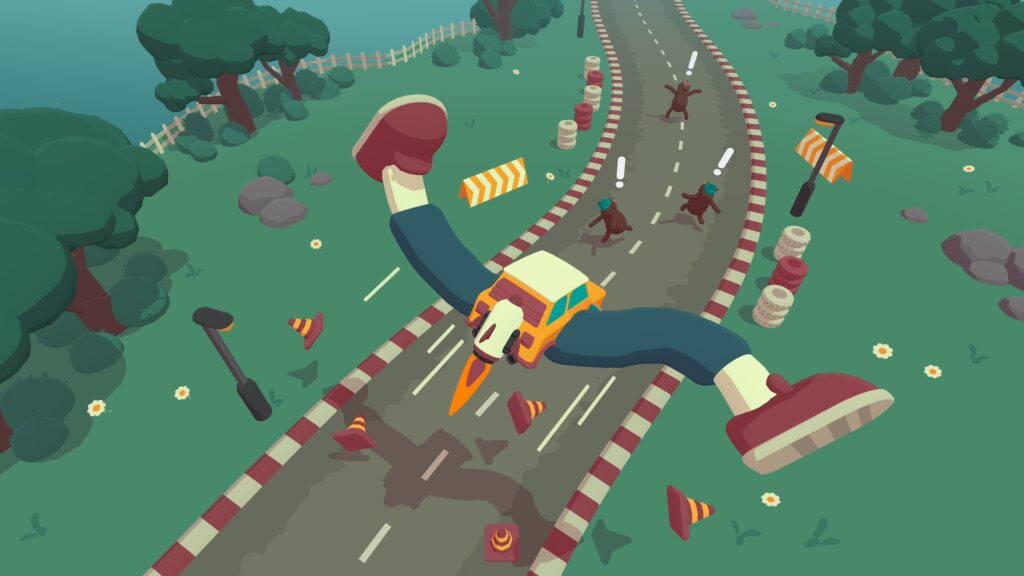
If your experience needs to run on lower powered devices such as smartphones, tablets, or standalone headsets, Unity is usually the smarter choice.
Originally designed for flexibility, Unity excels at building for multiple platforms from mobile to console without requiring high end PC specs. That is why we often use it for AR apps and mobile based games.
Unreal, on the other hand, demands more processing power but shines on high end devices like gaming PCs, next generation consoles, or tethered VR systems.
What size team are you working with?
Your team’s size and skill set can strongly influence your decision:
-
Unreal Engine works best for larger teams, where roles can be specialised, for example having one person focused on lighting or particle effects
-
Unity is easier for smaller teams or solo developers to pick up and use effectively
Unity’s asset store also provides a huge library of ready made tools and assets, speeding up development when resources are limited.
Are you a developer or a visual artist?
Preferences often depend on background:
-
Developers tend to prefer Unity for its flexible scripting and simpler interface
-
Visual artists often favour Unreal for its superior graphical output and real time rendering
Both engines continue to evolve, with Unreal becoming more accessible for small teams while Unity is adding high end, cinematic capabilities. The gap between them is narrowing and soon the decision may come down to personal preference and project goals rather than hard differences.
Key takeaway
Choosing between Unity and Unreal depends on your priorities:
-
Unreal for cinematic realism and large scale production
-
Unity for agility, accessibility, and wide platform reach
Both engines empower developers to build world class immersive experiences. It is simply about matching the right tool to your creative goals.
Related posts